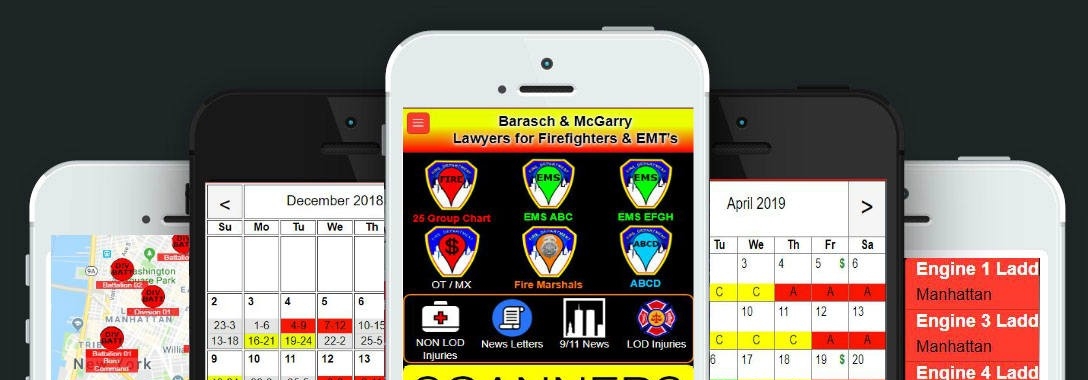
FDNY Firehouses and EMS Stations
Fire, EMS, Marshal and Dispatcher Calendars
App Support / Faq
You can download the APK directly by clicking here . You will need to visit setting on your device and select ALLOW. Each device is different so I suggest you google how to do it.
If your app is not available on the Google Play store there can be several reasons.
- Your device operating systems needs to be updated
- Your Google Play Store App needs to be updated
- Your device is registered in a country the app is not available in.
If you still cant find it you can download the APK here FDNY Firehouses and EMS Stations APK version 223/86 (more…)
We sent out invitations to select users who have been using the app the longest and opened it most recently. You can e-mail us at info@rachelssolutions.com if you would like to be a tester. Not all users will be invited. Currently Closed
We would like to hear from you on any suggestions you might have. Please use the contact form or e-mail us at info@rachelssolutions.com
We are currently testing a new app version. There are allot of changes and functions added but most important one is how your data is saved and backed up. In the previous version we had a persistent data storage issue on top of a limitation on file backup size to the cloud. These two issues caused many users to loose data when they updated the app or changed devices.
The app backups every time you open a calendar. The backup date is updated when the app is closed completely and reopened. Swipe app closed and reopen. Check if date is changed.
If your backup date is not changing you can try two solutions.
- Visit settings and hit MANUALY BACKUP -> swipe app closed and reopen. Did date change?
- In older app remove old calendar events. Too Much data will prevent app from backing up.
- In newer version of app. Visit Settings -> Click Reduce Data. Swipe app closed and reopen. Check if date has changed.
There a few reason that have caused you to lose your data.
- In the original version of the app when updating your data will remain on device. Then IOS and Android changed this to have the data cleared when updating. This was good for end users to help clean there device memory but was bad for us.
- In older versions of the app users would enter special characters like (/,?,[,} etc..). This was cause the data stream to break. We fixed this issue in a previous version.
- Most recently with changes to IOS and android the amount of data transmitted has limitation. We added the ability to automatically delete old data and reduce your file size. When you use this new option in settings your data will be e-mailed to you. You can forward that to us at info@rachelssolutions.com and we can give you the ability to view it on a website.
The only solution is to make another app that uses newer data storage preventing this issue from happening. We are currently working on this app. When its becomes available the old app will still work but will not get updates.
There are several reason that will cause this. Here are some steps you can try.
- Visit settings in app. -> Return to Home Page -> Open Calendar -> Return to home page. Check if it has backed up
- Remove some old data. There is a limitation of what can be sent to database. (This is a new problem created by IOS and Android). Once done return to Home Screen -> GO TO Calendar. Check if data is backed up.
- In newer version of app. Visit Settings -> Click Reduce Data. Swipe app closed and reopen. Check if date has changed.
- If these solutions don’t fix the problem please contact us at info@rachelssolutions.com we will try and help.
When the app was written over 10 years ago it used a now outdated storage that Google/Apple now require the device storage to be reset. The only fix that does not risk user data is to make a new app that uses new storage polices. This is currently being worked on but wont be released until January 2027. The best way to secure your information is to make sure your signed in and check the last backup date on home page or settings page. If you app is not backing up please contact us before updating.
You do not have to update the app as the core functions have not changed. Eventually Google/Apple will force you to update. Always make sure your app is backing up and you have created an account.
The scanner function has been removed from the app as the FDNY has increased scanner communications. The latest version of the app does not offer scanners.
If your not getting the secret code to reset your password please use the contact us for or e-mail us at info@rachelssolutions.com. Please provide the e-mail address that you used to create the account.